Download LinkedIn Videos
Easily download LinkedIn videos in high resolution with our LinkedIn Video Downloader Online, saving them directly to your device.
Buy me a coffee ☕❤️ to help keep it running! It took hours to build, seconds to donate. Thank you 🙂
Built by a LinkedIn user, for LinkedIn users. No fees, no signup, just help keep it free.
Share with your network –
About LinkedIn Video Downloader
LinkedIn Video Downloader is an easy-to-use tool that lets you effortlessly save your favorite LinkedIn videos directly to your device. With just a few clicks, you can quickly download high-quality videos, ensuring you can access and share them anytime, even offline. Download videos from your feed, professional posts, or shared content, you may want to revisit or share with others later. No need to worry about complicated steps or downloads – the process is smooth, fast, and efficient.
How to Use LinkedIn Video Downloader?
Follow these 5 easy steps to download the LinkedIn video of your choice with our LinkedIn Video Downloader:
1. Go to LinkedIn
Open your LinkedIn account and find the LinkedIn video you want to download.
2. Copy the LinkedIn video post URL
Once you’ve located the LinkedIn video, click on the three dots in the upper-right corner of the post. From the dropdown menu, select the “Copy link to post” option.

3. Open the LinkedIn Video Downloader Website
Go to our Free LinkedIn Video Downloader website to begin the downloading process.
4. Paste the Link
In the input field provided on the LinkedIn Video Downloader page, paste the link you copied from the LinkedIn post.
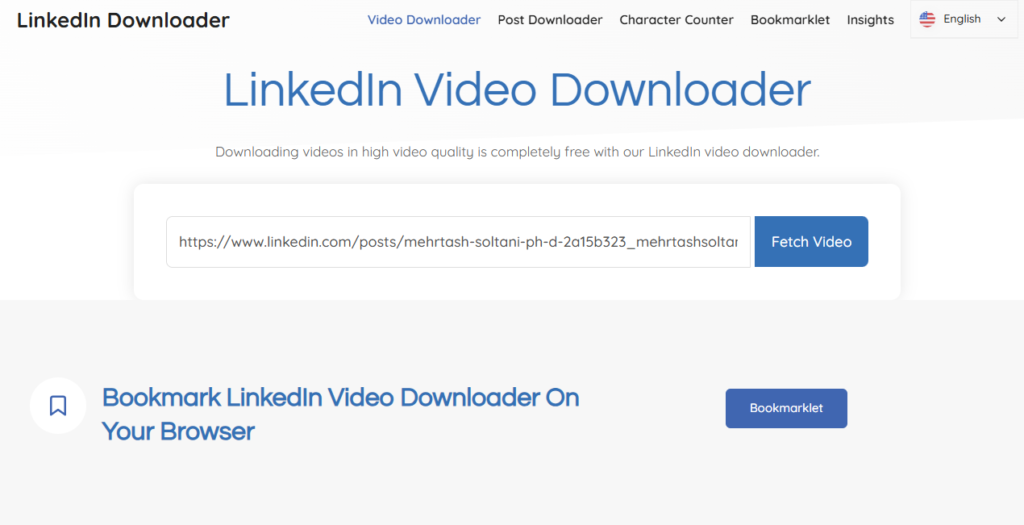
5. Hit Download Button
Finally, click the “Download” button to save the LinkedIn video to your mobile phone, desktop or any device of choice. You can download an unlimited number of LinkedIn videos without any restrictions or hidden fees.
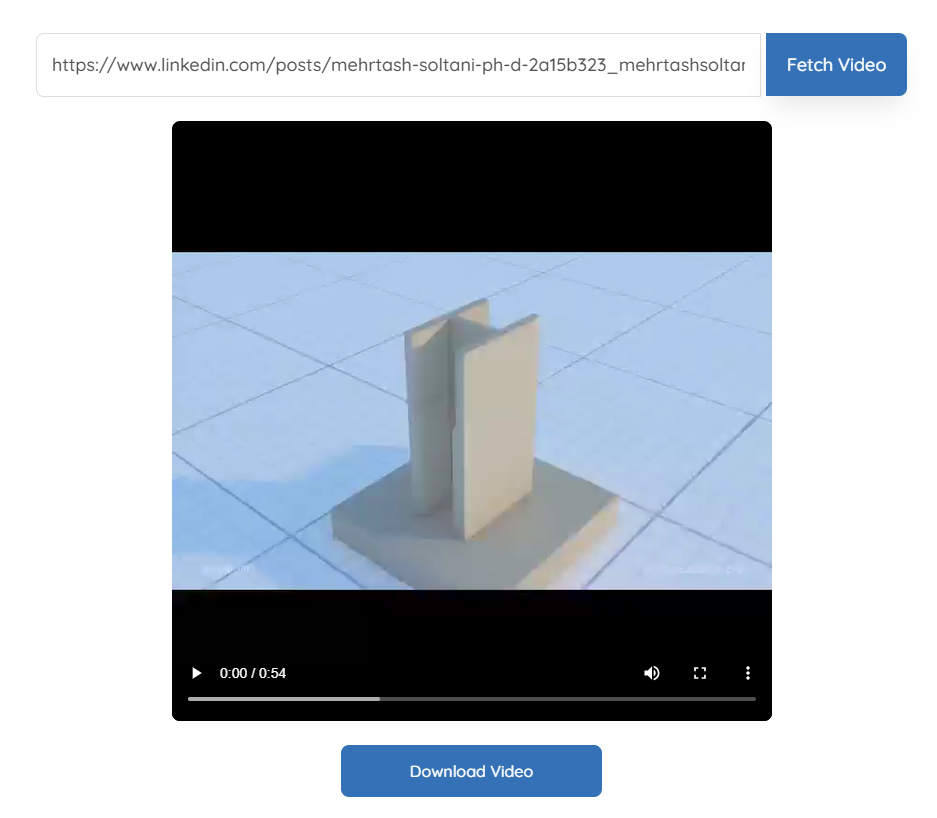
Video Guide
LinkedIn Video Downloader Features
Experience unmatched clarity with every download. Our tool ensures that your LinkedIn videos retain their original resolution, delivering sharp visuals and crisp audio.
No tech skills? No problem. All you need to do is copy the video link from LinkedIn, paste it into our tool, and hit “Download.” It’s that easy. Whether you’re a beginner or a pro, this tool is for everyone.
Want even quicker access? Try our bookmarklet feature! Add it to your browser toolbar, and you’ll be able to download LinkedIn videos directly from the platform with just one click.
There’s no cap on how many videos you can download. Whether you’re saving one video or a hundred, our tool empowers you to build a library of valuable LinkedIn content without limits.
Whether you’re on a desktop, laptop, tablet, or smartphone, our downloader has got you covered. You can use it on any device, anytime, anywhere.
Our LinkedIn Video Downloader is completely free to use, with no hidden fees or subscriptions. Enjoy unlimited downloads without worrying about breaking the bank.
Testimonials




Our Tools
LinkedIn Downloader – FAQs
Insights

The Dos and Don’ts of Writing LinkedIn Posts
Some LinkedIn posts receive thousands of likes and shares because they resonate with the audience. In contrast, others are ignored because they are unclear or unhelpful. Creating a successful LinkedIn post isn’t just about luck,…

How to Market Yourself on LinkedIn?
LinkedIn has now completely cemented itself as the greatest professional networking platform in the globe, with over 300 million monthly active users. The perfect breeding ground for organic connections, LinkedIn sports over 443 Billion feed…

How to Find What’s Trending on LinkedIn?
The key to cracking seamless marketing growth across any engagement platform essentially boils down to relevance. Let’s talk about LinkedIn content as a use case. Is your content topic trending on LinkedIn? Is it feeding…

How to Save LinkedIn Videos to Watch Later On Any Device?
LinkedIn is no longer just a job-finding platform. Instead, it offers a treasure of industry-specific knowledge. Experts worldwide in a wide range of fields share their experiences, opinions, thoughts, and secret techniques on this platform….
Best Time to Post on LinkedIn
Posting on LinkedIn is a pretty straight-forward process, but uploading is not all there is to posting. Logically, you need to post when your target audience is the most active on the platform. With LinkedIn…
How to Upload Reels on LinkedIn?
The short-form video marketing trend has taken the world by storm, and LinkedIn has made it to the list as well. In fact, short-form videos amounted to 90% of all internet traffic in 2024. The…